
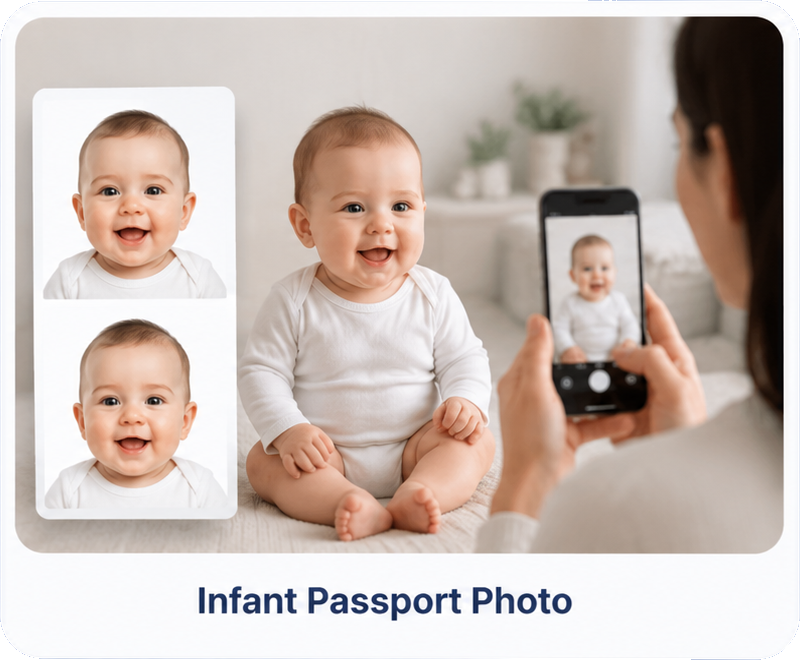
Baby Passport Photo Online
2×2 inches · White background · State Department compliant
For infants & children · 600×600px at 300 DPI · Take it at home
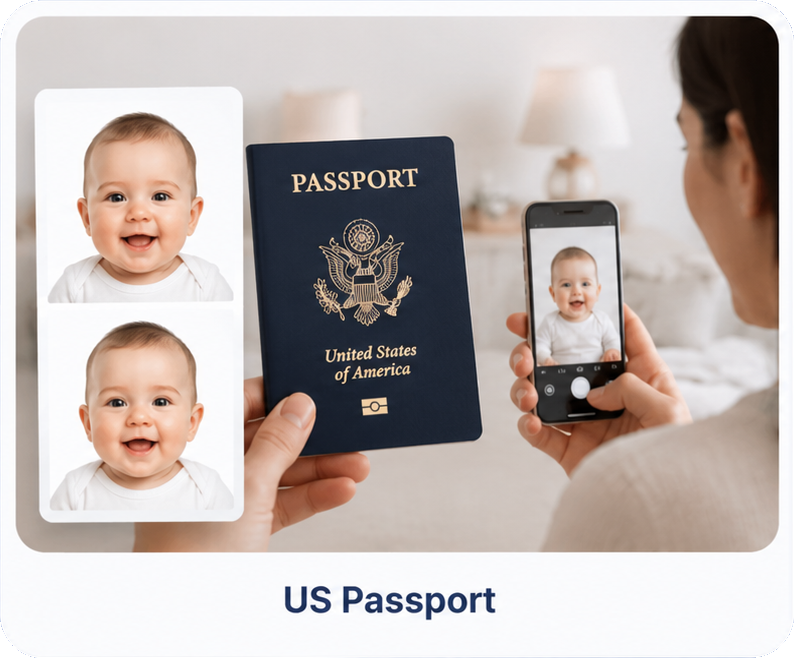
Choose your document type
Official baby passport photo requirements
Size
2×2 in (51×51mm)
Resolution
600×600px, 300 DPI
Background
Plain white/off-white
Who's in frame
Baby alone — no hands
Expression
Neutral (relaxed for infants)
Eyes
Open if possible
Props
No pacifiers or toys
Photo age
Within last 6 months
Tips for taking your baby's passport photo
Lay them on a white sheet
Place your baby on their back on a plain white sheet or blanket and shoot from directly above. Our AI handles the background.
Keep hands out of frame
No one may be touching or holding the baby in the photo. Support them just outside the camera view.
Soft, even lighting
Use natural daylight near a window. Avoid harsh overhead light and shadows on the face or background.
Eyes open if you can
Try to catch your baby alert with eyes open. The rules are relaxed for infants who can't keep them open.
No pacifiers or toys
Remove pacifiers, bottles, and toys. Nothing should cover or distract from the face.
Shoot straight-on
Hold the camera level and centered over the face — not tilted. Our AI checks head position automatically.
What makes a baby passport photo get rejected
Our AI catches all of these before you pay.
Frequently asked questions
What size is a baby passport photo?▾
A baby passport photo is the same size as an adult US passport photo: exactly 2×2 inches (51×51mm), printed at 300 DPI (600×600 pixels). The head should be centered and sized like any other passport photo — our AI checks this automatically.
Does my baby need to have their eyes open?▾
Ideally yes, but the US State Department makes an exception for infants and very young children who cannot reliably keep their eyes open. A natural, relaxed photo with eyes mostly open is best — our checker will flag closed eyes so you can retake if needed.
Can I hold my baby for the photo?▾
No hands, arms, or other people may be visible. Lay your baby on their back on a plain white sheet and take the photo from directly above, or prop them in a car seat with a white blanket. Our AI replaces the background with compliant white automatically.
What background do I need for a baby passport photo?▾
Plain white or off-white with no shadows, patterns, or toys. The easiest method is laying the baby on a white sheet — our AI then removes and replaces the background with a compliant white automatically.
Can my baby have a pacifier or toy in the photo?▾
No. Pacifiers, bottles, toys, and hands must not be visible. The baby must be alone in the frame with nothing covering the face.
Does my baby need a neutral expression?▾
A neutral expression is preferred, but the rules are relaxed for infants. The most important things are a clear, front-facing view of the face with eyes open if possible and mouth closed.
How do I take a passport photo of a newborn?▾
Lay the newborn on their back on a plain white sheet and photograph from directly above in soft, even light. Make sure no hands support the head within the frame. Upload it and our AI handles the background and compliance checks.
How recent does the baby photo need to be?▾
Within the last 6 months. Babies change quickly, so use a recent photo that represents your child's current appearance.
What if my baby photo is rejected?▾
We offer a 100% refund if your photo is rejected by a government agency for any compliance reason covered by our checks. See our refund policy for full details.
What format do I receive the files in?▾
A high-res JPEG plus a print-ready 4×6 PDF with multiple copies tiled. Take the PDF to any CVS, Walgreens, or photo lab for a standard 4×6 print.
Is a baby passport photo different from an adult one?▾
The technical specs are identical (2×2 inches, white background, head sizing). The only differences are relaxed expression/eyes-open rules and that the baby must be photographed alone with no hands or props visible.
How long does the whole process take?▾
About 60 seconds from upload to download. Background removal, compliance checking, and PDF generation happen automatically after you upload.